Our team has been brewing something big behind the scenes—and it’s finally ready! If you’ve ever wished you could update multiple teachers at once (without endless clicking), this one’s for you.
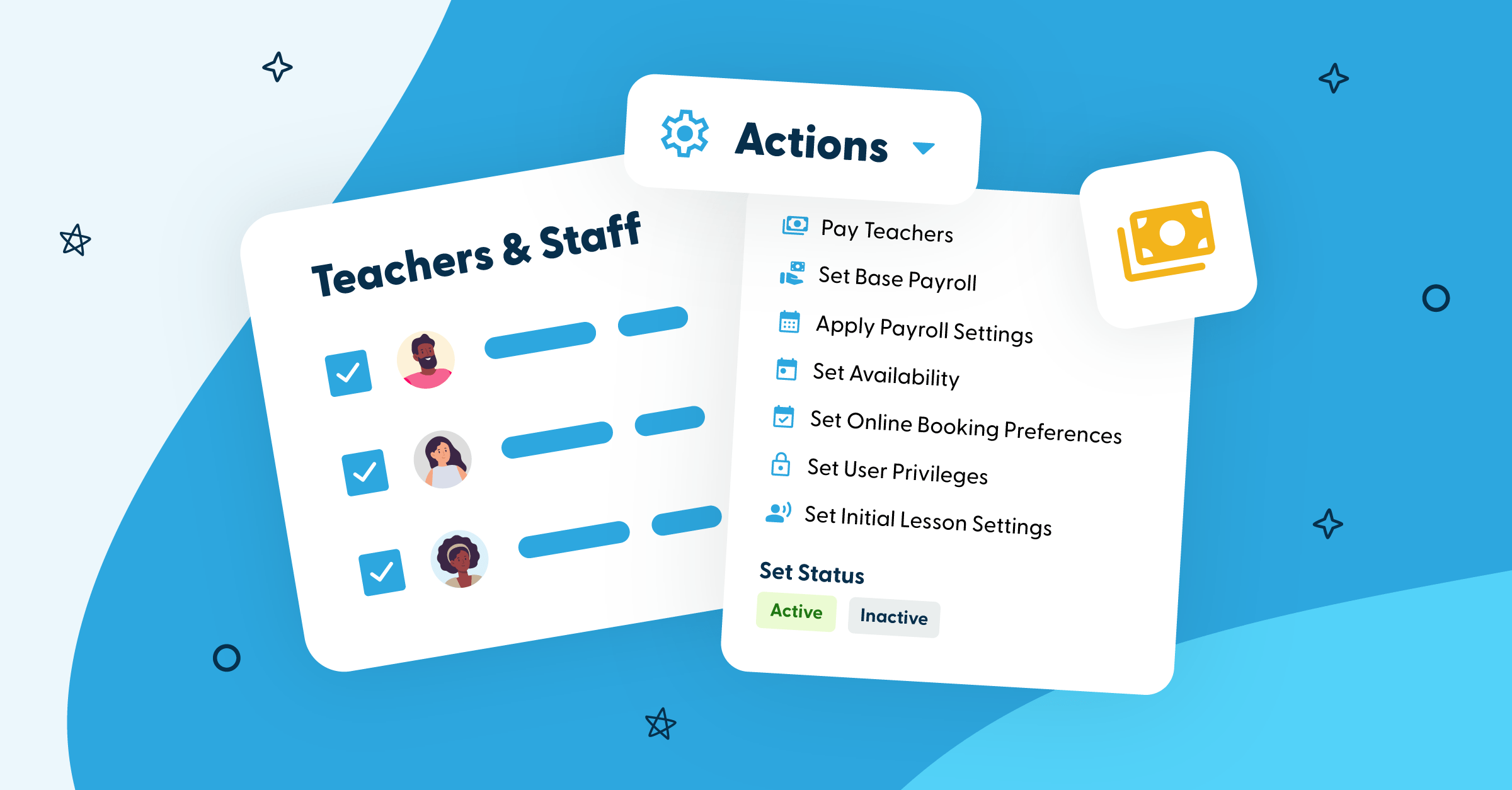
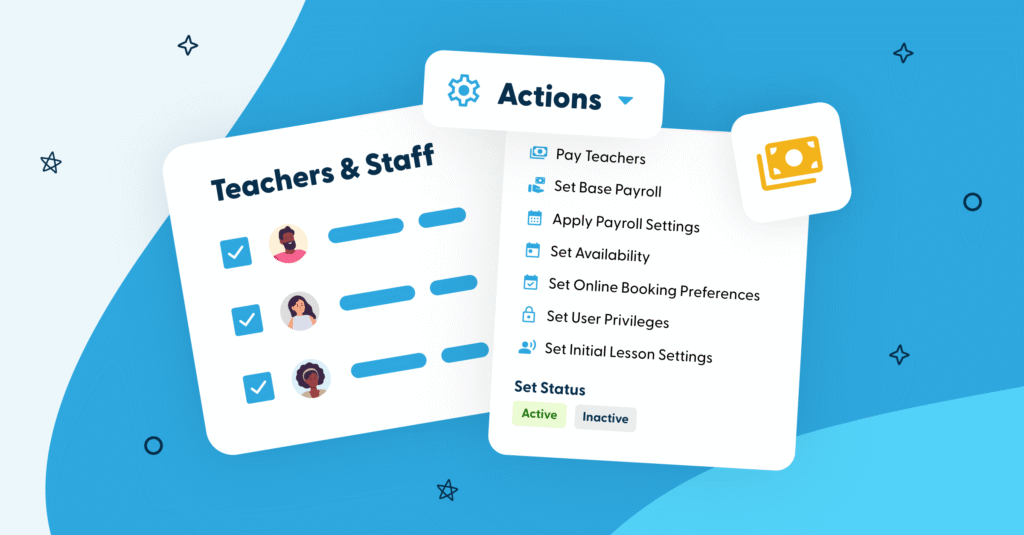
Introducing Bulk Teacher Actions: a faster, easier way to keep your studio organized and your team in sync.
You’ve always been able to quickly Pay Teachers and Apply Payroll Settings in bulk. But now?
We’ve expanded your superpowers. Get ready to batch-update everything from availability to online booking preferences.
🧮Set Your Base Payroll Settings in Bulk
Tell My Music Staff how to calculate payroll automatically for multiple teachers at the same time.
Choose your custom payroll settings:
- Flat hourly rate or percentage of teacher revenue?
- Pay rates
- How to handle make-up credits
- Whether to update existing calendar events
Set it once, apply it everywhere. Boom. 💥
🕑Set Teacher Availability in Bulk
Keep everyone’s teaching hours up to date with just a few clicks.
You can set availability settings across multiple teachers:
- Select specific dates and times
- Add internal notes
- Assign preferred teaching locations
- Toggle whether each teacher is bookable online
Add a new availability entry to these teachers or choose to replace what’s already there! Perfect for seasonal changes, schedule resets, and onboarding new instructors fast.
🌐Set Online Booking Preferences in Bulk
Fine-tune how teachers appear on your booking forms.
All at once, you can update:
- Start time increments (Show start times in increments of 5, 10, 15 minutes, etc.)
- Set a buffer time between lessons
- Set a maximum gap allowed between lesson start times (to avoid awkward free time between appointments)
Hello, beautifully optimized schedules. ✨
🔐Set User Privileges in Bulk
Give teachers the access they need – no more, no less.
In bulk, you can assign privileges like:
- Managing their own accounts
- Managing other teachers
- Managing students & parents
- & More!
You can also choose to set up multiple teachers as account administrators! Update your whole team’s access in seconds.
🎵Set Initial Lesson Settings in Bulk
Make sure new trial bookings run smoothly from the start.
When a new student books through an external form, MMS uses the teacher’s initial lesson settings to determine how their first lesson will be set up, including:
- Lesson category
- Lesson duration
- Default billing
- Default pricing
Now you can configure this for multiple teachers in one go!
See all the new features in action! Check out the video overview:
Whether you’re onboarding a big team, rolling into a new season, or just keeping everything tidy, Bulk Teacher Actions helps you move faster and manage smarter. 💙
Please note: If you have any questions or require assistance with your account, please contact our support team at support@mymusicstaff.com
 English
 French
 Japanese
 Spanish
 Dutch
Dutch
 German